Jira-native and intuitive interface for easy and secure time tracking is already here – in Timesheet Builder
Your Search for a Reliable Jira Timesheet Solution Ends Here
All the features you need for accurate, compliant time tracking – no compromises.
Track, analyze, and export worklogs effortlessly, meet complience requirements, and empower your team with a tool built for reliability and peace of mind.

Happy Customers Share Their Experience

“Timesheet Builder: Resource Planning and Teams Management is an absolute game-changer for us at Peakforce! Compared to other tools in the Atlassian ecosystem, it takes Jira time tracking to a whole new level while ensuring utmost data privacy compliance. The timer function and structured timesheets have become our secret weapons for optimizing resource allocation and individual time tracking. It’s an absolute must-have that has supercharged our productivity!”
Wiktor Dyngosz
CEO of Peakforce
Revolutionary time management
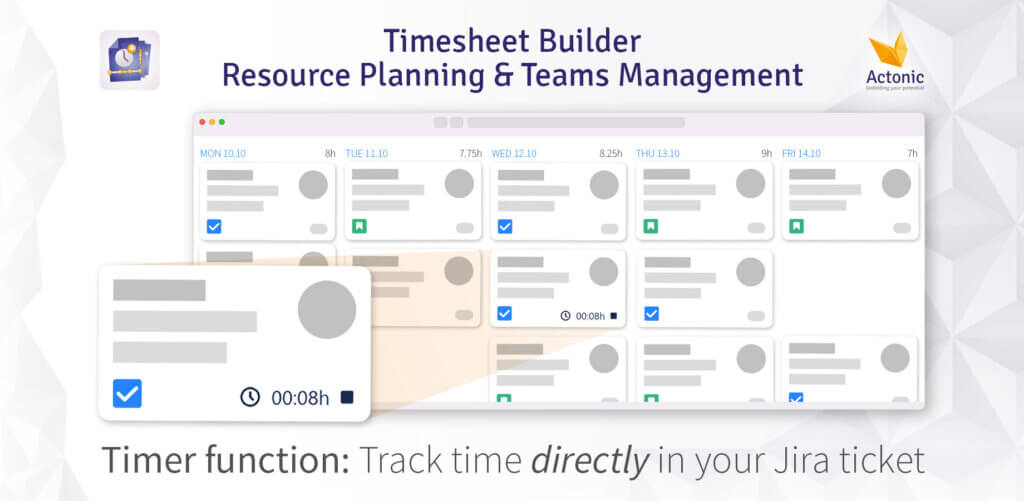
Scale up your productivity
- Jira time tracking with the timer feature: click the play button in any issue and your worklogs will be recorded and automatically organized into timesheets that you can easily view and edit.
- Manage your timesheets for each time period: You can see how much time you spent on each project, issue or task. You can also see your billable hours and export your timesheets to various formats.
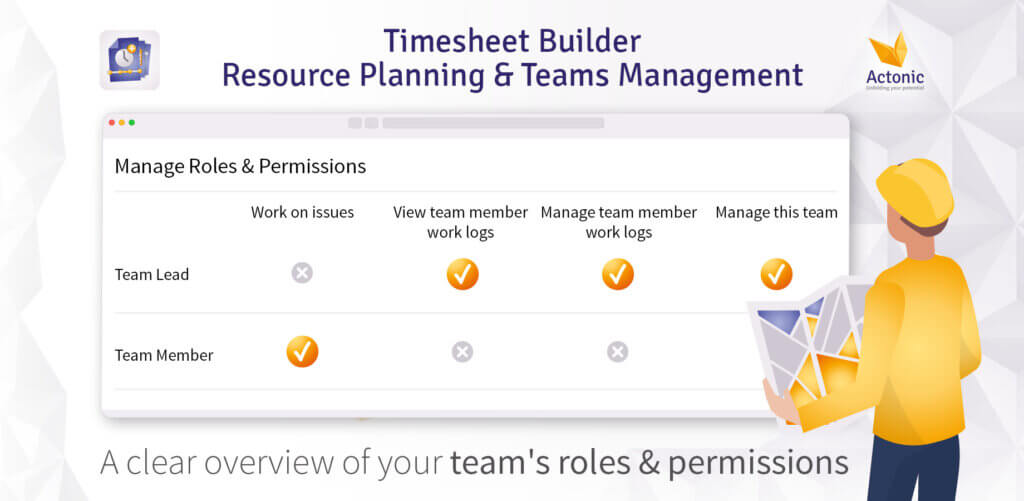
Increase performance of your team
- Manage your resources with Jira Team Management. You can create teams with custom roles, permissions, and capacities. You can also see your teams’ worklogs and performance. Jira team management and capacity planning has never been easier!
- Analyze your worklogs and improve your Jira resource planning. You can see how much time each team member spent on each project, issue or task. You can also compare their actual worklogs with their planned capacities.
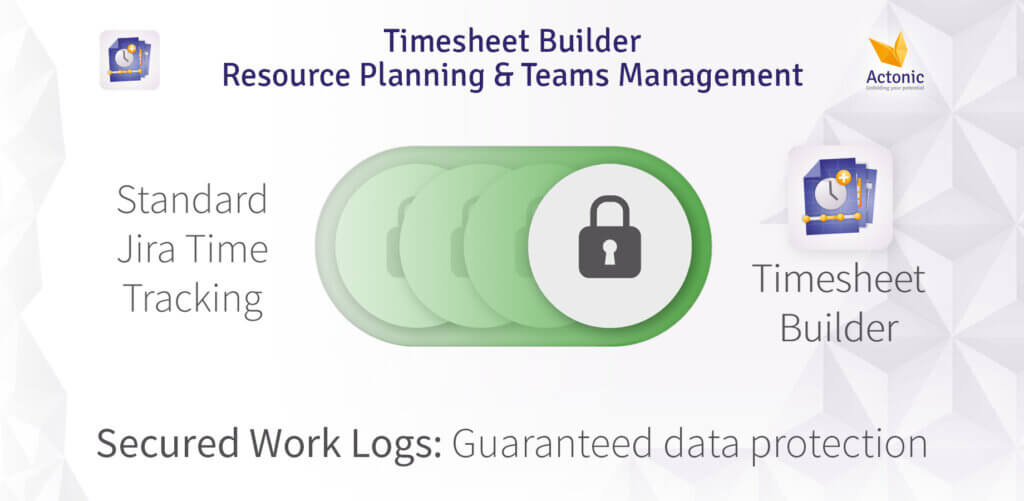
Data protection made easy
-
Secure your worklogs and comply with privacy policies. You can choose who can view or edit your worklogs. You can also enable secured worklogs for data protection (Data Center only).
Interested?
Get product insights in less than 8 minutes
Your needs are our calling
You can start your free trial by installing the app from the Marketplace.
Yes, we are happy to offer you a free demo of our app and show you all the features for your use cases.
Timesheet Builder is available for Jira Software, Jira Core and Jira Service Management in Data Center and Cloud versions.
Yes, you will be able to import and export data from other apps. Find out when this feature will be available and how it works by subscribing to our newsletter.
We are continuously working on Timesheet Builder, because our user’s requirements are decisive for us. Do you have an idea for a new feature? Message us.
Currently, anyone can see work logs that are not assigned to a team. If a work log is associated with a team, only team members with the permission to view and manage team work logs can see such work logs.
For this case we have created a worldwide unique system for roles and authorizations. It allows you as a team leader to create teams with the “Secured Work Logs” setting. If you choose this setting, the logged work hours will be visible only to the users you define as Teamlead. No one who is not authorized to do so can look into the privacy of the recorded working hours anymore.
Your time is the most valuable resource -
use it properly
-
Use time and resources efficiently
-
Fact-based time management
-
Intuitive and privacy-compliant time tracking
-
Analyze team resources at a glance